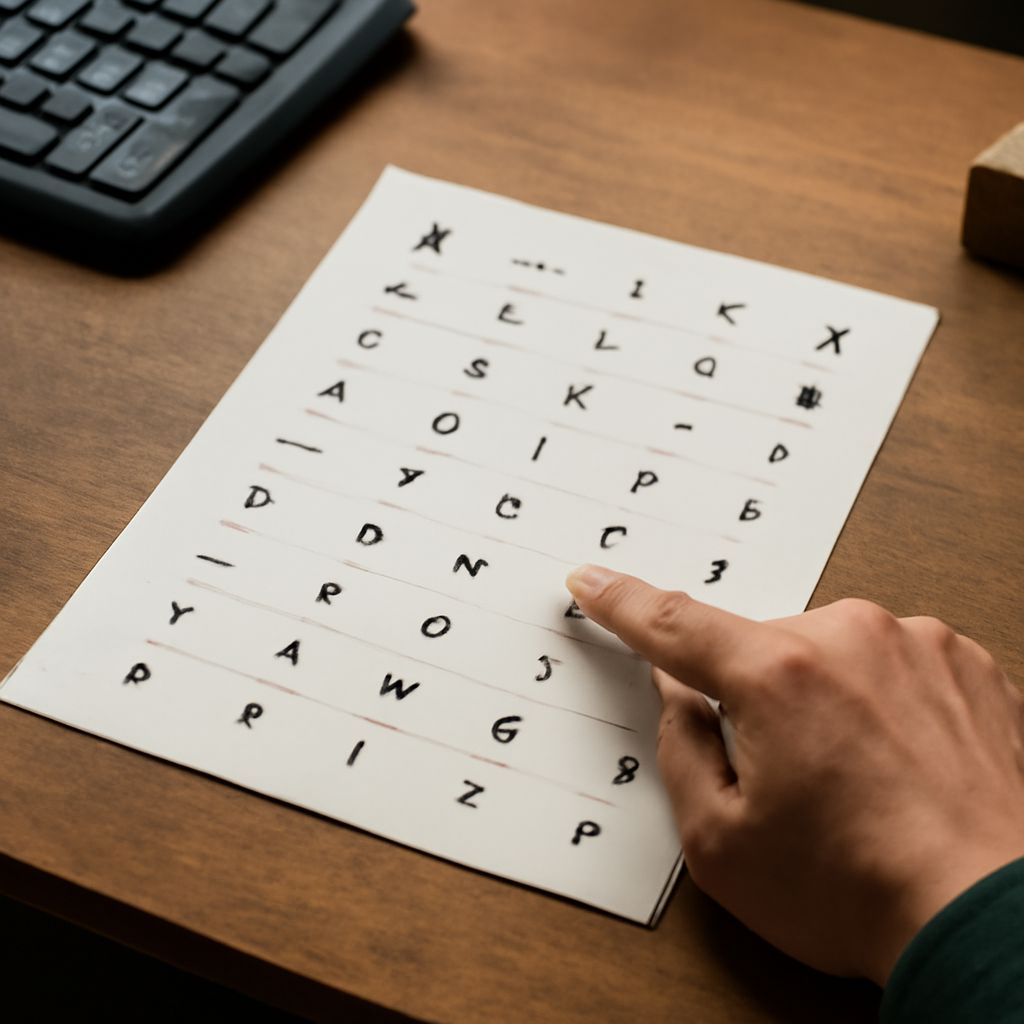
Unlocking the full potential of your keyboard can greatly enhance your typing efficiency. With alt key codes, you can easily insert special characters and symbols without a hassle. Understanding these keyboard shortcuts symbols can transform your typing experience, making it more efficient and versatile.
Introduction to Alt Key Codes
Alt key codes are a combination of the Alt key and a numeric code that you input on your keyboard to produce special characters. These codes are usually used on a numeric keypad, found on most desktop keyboards. By holding the Alt key and typing a specific number, you can insert symbols not readily available on the keyboard.
Common Keyboard Symbols with Alt Codes
Many commonly used symbols can be inserted using alt key codes. For instance, if you want to type the © symbol, you would hold the Alt key and type 0169 on the numeric keypad. Here are a few more examples:
- Alt + 0153: ™ (Trademark)
- Alt + 0176: ° (Degree)
- Alt + 0174: ® (Registered Trademark)
- Alt + 0134: † (Dagger)
These alt keyboard symbols can be extremely useful, particularly when working on documents that require frequent use of these characters.
Using Alt Commands for Efficiency
Alt commands offer a quick way to access symbols without interrupting your workflow. Instead of navigating through multiple menus or inserting symbols manually, these shortcuts save time. This method is especially beneficial for professionals who rely on specialized symbols in their writing, such as legal, academic, or scientific fields.
To make the most of alt commands, practice frequently used codes and integrate them into your daily tasks. This way, you can effortlessly switch between regular text and special symbols.
Tips for Remembering Alt Keyboard Symbols
Memorizing alt keyboard symbols can seem daunting at first. However, with a few practical tips, it becomes manageable. Start by focusing on the symbols you use most often and use mnemonic devices to aid memory. For example, associate the ™ (Trademark) symbol with the word “memory” to remember Alt + 0153.
Additionally, keep a cheat sheet of frequently used codes nearby until you become more comfortable. Over time, as you incorporate these commands into your routine, recalling them will become second nature.
Utilizing alt key codes effectively enhances your digital communication. With practice and the right techniques, you’ll be typing symbols and special characters with ease.