Learn how to define and use name ranges in Excel efficiently. Step-by-step instructions for the 'Create from Selection' command, plus tips for managing named ranges.
Learn how to combine Excel files using built-in features, Power Query, and VBA. Step-by-step instructions to merge multiple Excel files into one master file.
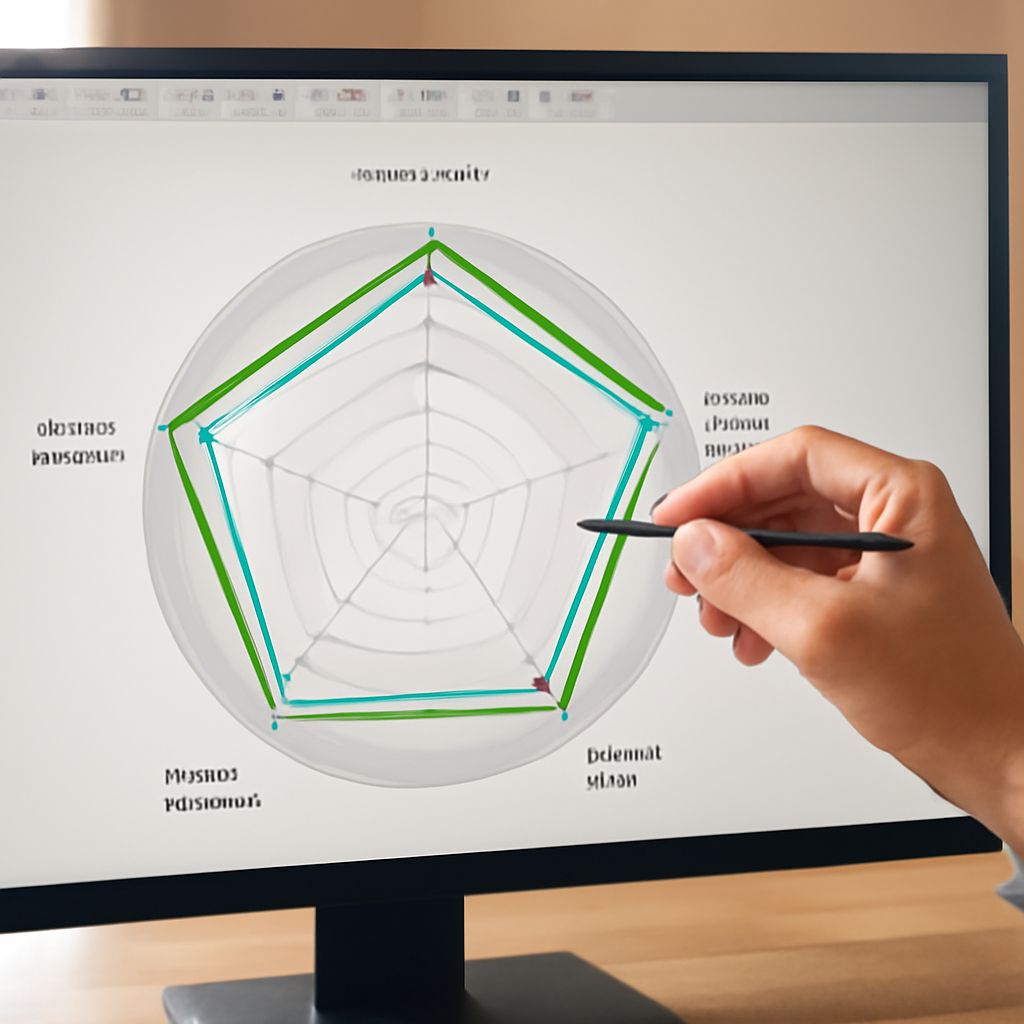
Learn how to use a radar chart maker to visualize complex data for presentations. Explore features, top tools, and practical tips for creating effective spider…
Learn how to compare Excel files and sheets step by step. Discover built-in tools, manual techniques, and third-party options to compare spreadsheets efficiently.
Learn how to merge Excel files into one consolidated workbook. Follow easy steps to combine Excel sheets and manage your data efficiently in Microsoft Excel.
Discover how to use schedule sheets in Excel with ready-made spreadsheet templates for tracking. Learn setup tips, key features, and download free examples.
Learn step-by-step methods to combine Excel sheets into one file. Discover manual and automatic options to merge Excel spreadsheets for efficient data management.
Discover the best presentation apps for building eye-catching slides. Compare top presentation tools, features, and pricing to find the right fit for your needs.
Learn how to add slide numbers to PowerPoint for clear, professional presentations. Follow these simple steps to insert and format page numbers on your slides.