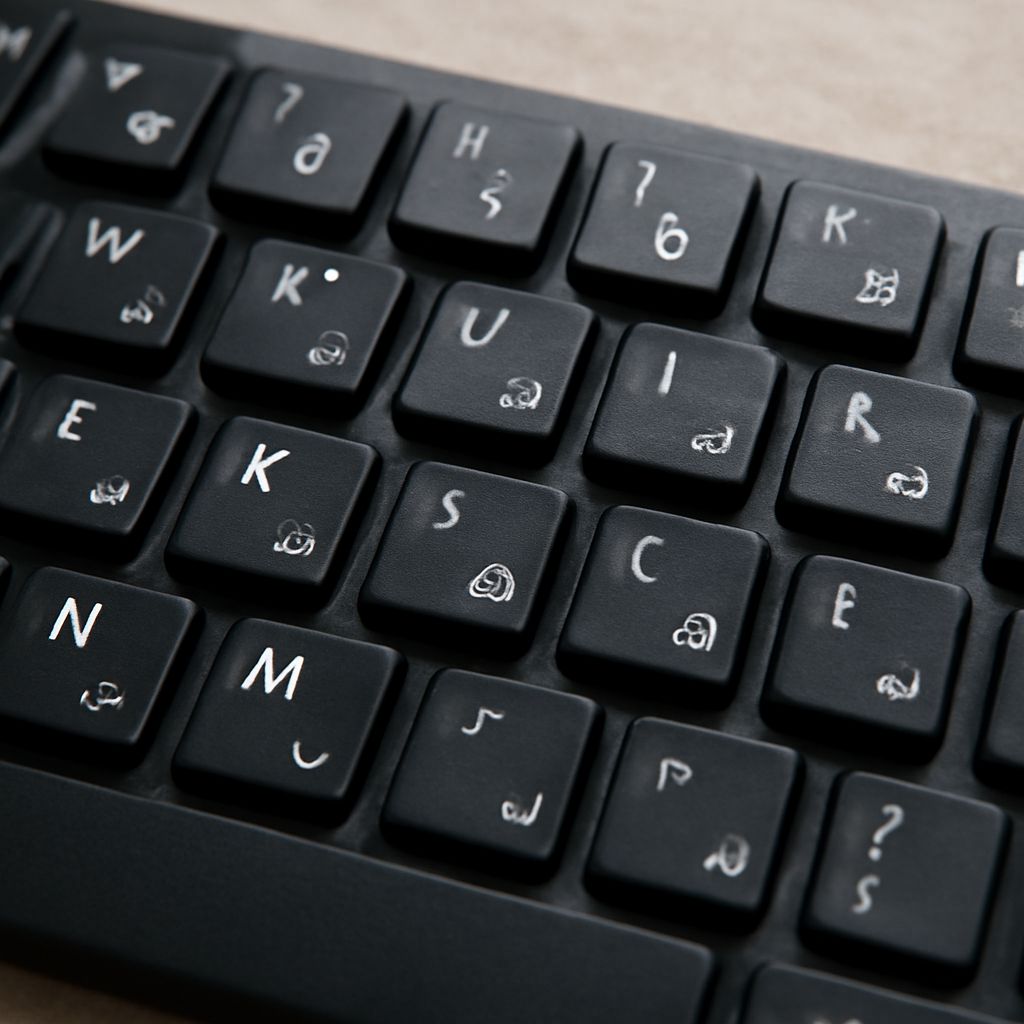
To communicate effectively in Farsi, you’ll need to master the Persian keyboard, which allows you to type Farsi characters seamlessly. Whether you’re a native speaker or learning the language, setting up this keyboard on your device is a straightforward process. Once installed, you can start typing Farsi with ease. Here, you’ll find a guide to setting it up, typing Farsi characters, and tips for typing more efficiently.
Setting Up a Persian Keyboard
Before you can start typing Farsi, you must first install the Persian keyboard. If you’re using Windows, go to the Start menu, and open “Settings”. From there, navigate to “Time & Language” and select “Language”. Click on “Add a language” and search for Persian. Once added, you can switch between keyboards using the language bar on your taskbar.
For Mac users, open “System Preferences” and select “Keyboard”. Click on the “Input Sources” tab and then the “+” button to add Persian. You’ll find it under the Arabic section. With the keyboard added, you can switch between languages using the flag icon on the menu bar.
For mobile devices, such as iOS and Android, head to your settings and locate the keyboard or language settings. Add Persian to your list of keyboards, and switch between languages by tapping the globe icon on your keyboard.
Typing Farsi Characters
With your Persian keyboard set up, you can now type Farsi characters. The layout resembles a traditional QWERTY keyboard, but the keys represent Farsi letters. Familiarize yourself with the placement of commonly used characters. A tip is to use an online Farsi keyboard layout image as a guide until you become accustomed to the new setup.
To type special Farsi characters and diacritics, you may need to use the Shift or AltGr keys. For instance, Farsi digits can be found by holding the Shift key and selecting the respective numeral key. Knowing these shortcuts will significantly enhance your typing speed and accuracy.
Tips for Efficient Farsi Typing
Typing efficiently in Farsi requires practice and familiarity with the Persian keyboard layout. One effective method is touch typing, which allows you to type without looking at the keys. Regular practice using typing tutor software designed for Farsi can help improve your speed and accuracy.
Additionally, consider using text expansion tools or macros for frequently used phrases. These tools can save time by automatically completing words or sentences once you type a predefined shortcut.
Lastly, regularly engage with native Farsi content, such as articles, emails, or social media, to apply your skills in real-world scenarios. This exposure not only reinforces your typing skills but also helps expand your vocabulary.
With these strategies, you’ll be well on your way to mastering the Persian keyboard and typing Farsi with confidence. Happy typing!