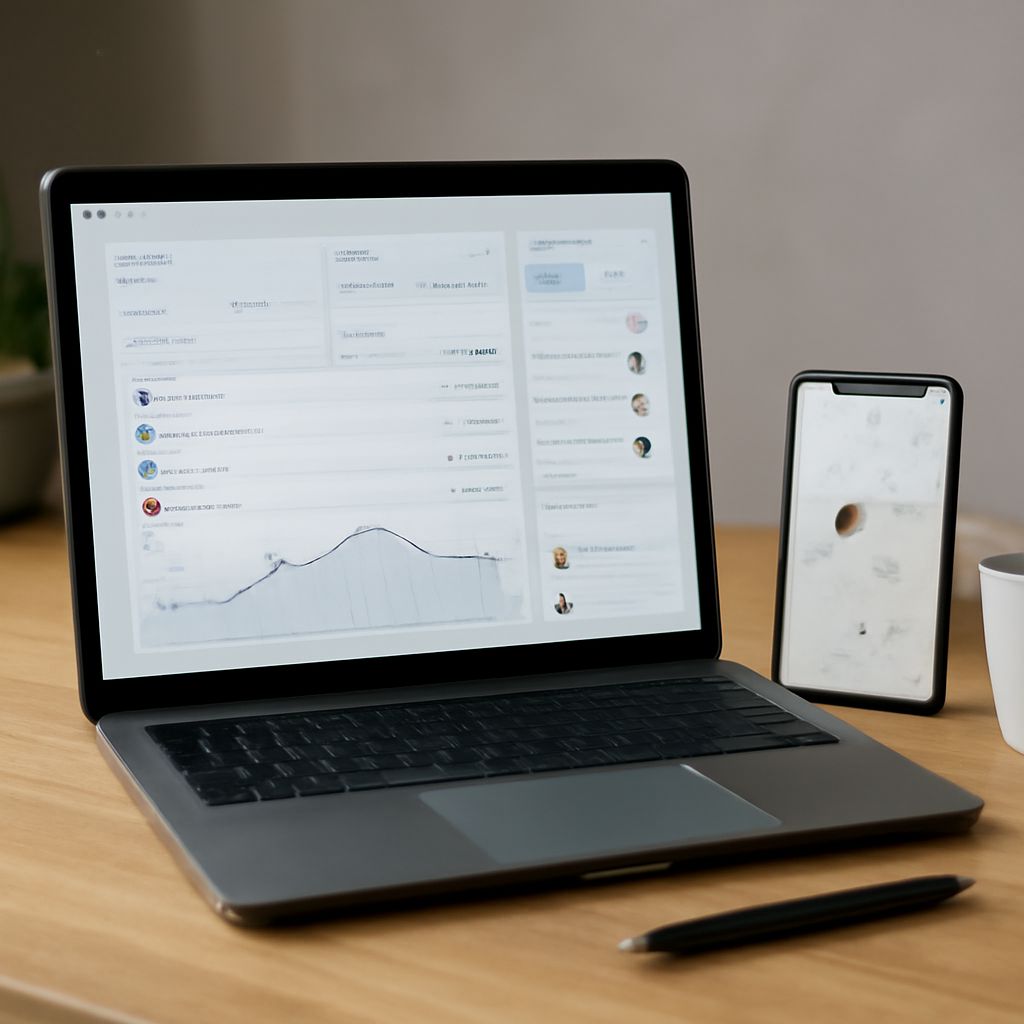
In today’s fast-paced work environment, managing time efficiently is crucial for both businesses and employees. A timesheet app can streamline this process, helping you track hours, manage projects, and boost productivity. But with so many options available, how do you choose the right one? This guide will help you understand timesheet apps, explore key features, and identify top apps available.
Understanding Timesheet Apps
Timesheet apps are digital tools designed to record the amount of time you spend on tasks and projects. These apps replace traditional paper timesheets, offering a more efficient way to track work hours. Whether you’re a freelancer, small business owner, or part of a large company, an employee timesheet app can simplify payroll processing, enhance project management, and improve resource allocation.
Key Features of Employee Timesheet Apps
When choosing a timesheet app, several key features can significantly impact its effectiveness. Look for:
- User-Friendly Interface: An intuitive design makes it easy for everyone to log hours without a steep learning curve.
- Integration Capabilities: Ensure the app integrates with other tools like project management software and payroll systems.
- Customization Options: Customizable fields and templates can help tailor the app to your specific business needs.
- Mobile Access: Mobile compatibility allows employees to log time and track projects from anywhere.
- Reporting and Analytics: Detailed reports and analytics provide insights into productivity and project progress.
Top Employee Timesheet Apps
Here are some of the best employee timesheet apps available today:
- Clockify: A free app that offers unlimited users and projects, making it ideal for startups and small businesses.
- TSheets by QuickBooks: Known for its robust integration with QuickBooks, this app is perfect for those already using QuickBooks for accounting.
- Harvest: Not only does it track time, but it also provides invoicing and expense tracking, which is great for freelancers and agencies.
- Hubstaff: Offers advanced features like GPS tracking and productivity monitoring, suitable for remote teams.
How to Choose the Right Timesheet App
Selecting the right timesheet app depends on your business needs and goals. Start by evaluating your current processes and identifying where they can be improved. Consider the following questions:
- What is your budget? Some apps offer free versions, while others are paid.
- How many employees need access? Ensure the app supports your team size.
- Which features are essential? Prioritize the features that align with your workflow.
- How easily does it integrate with your existing tools?
- Is mobile access important for your team?
By considering these factors, you can choose a timesheet app that not only meets your immediate needs but also scales with your business as it grows. Remember, the goal is to enhance productivity and simplify time management for both you and your employees.