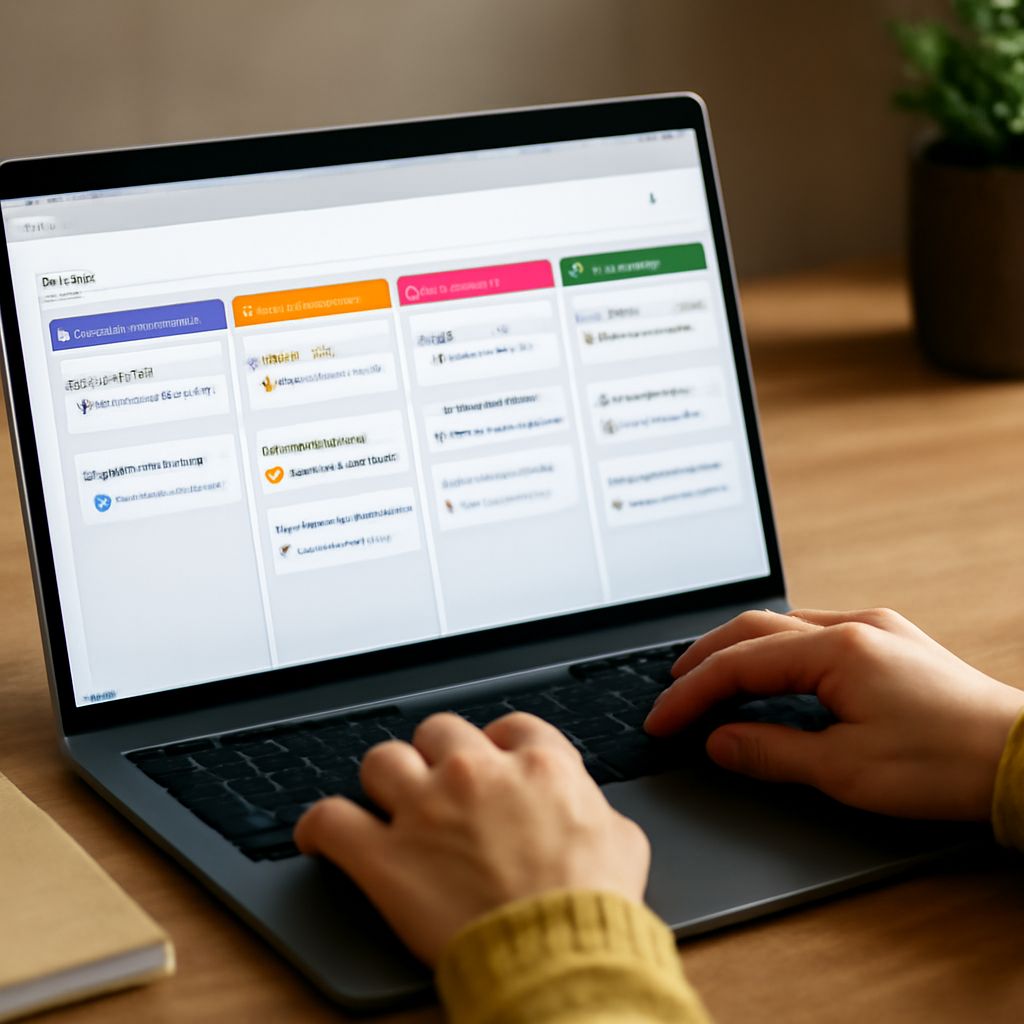
In today’s fast-paced world, staying organized is essential. Task organizer apps can help streamline your daily activities, boost productivity, and reduce stress. Whether you’re a student, professional, or busy parent, finding the right tool can make all the difference. Let’s explore how these apps can transform your routine and discover some of the best free options available.
Understanding Task Organizer Apps
Task organizer apps are digital tools designed to help you plan, track, and complete tasks efficiently. These apps range from simple to-do lists to comprehensive project management systems. They offer various features like scheduling, reminders, and collaboration, making it easier for you to stay on top of your responsibilities.
Top Free Task Manager Apps
Several free task manager apps can help you get organized without breaking the bank. Here are some top picks:
- Todoist: Known for its user-friendly interface, Todoist helps you prioritize tasks with labels and filters. It’s perfect for both personal and professional use.
- Trello: Trello offers a visual approach to task management using boards and cards. It’s great for collaborative projects and team communication.
- Microsoft To Do: Integrated with Microsoft 365, this app allows seamless synchronization across devices, making it perfect for those already using Microsoft products.
- Google Keep: A simple note-taking app that integrates well with other Google services. It’s ideal for quick notes and reminders.
Features to Look For
When choosing a task organizer app, consider the following features:
- User Interface: A clean and intuitive design will make it easier for you to navigate and manage tasks.
- Synchronization: Look for apps that sync across devices to ensure you have access to your tasks anytime, anywhere.
- Collaboration Tools: If you work in a team, consider apps that offer sharing and collaboration features.
- Reminders and Notifications: Ensure the app provides customizable alerts to keep you on schedule.
Tips for Effective Task Management
To maximize the benefits of your chosen task manager free app, consider these tips:
- Set Clear Priorities: Identify which tasks are urgent and important, and focus on those first.
- Break Tasks into Smaller Steps: Dividing larger tasks into manageable steps can make them less overwhelming.
- Regularly Review and Adjust: Schedule time to review your task list and make adjustments as needed.
- Stay Consistent: Use the app daily to build a habit and keep your task management consistent.
With the right task organizer app, you can enhance your productivity and manage your time more effectively. Explore these free options and find the one that best fits your needs.