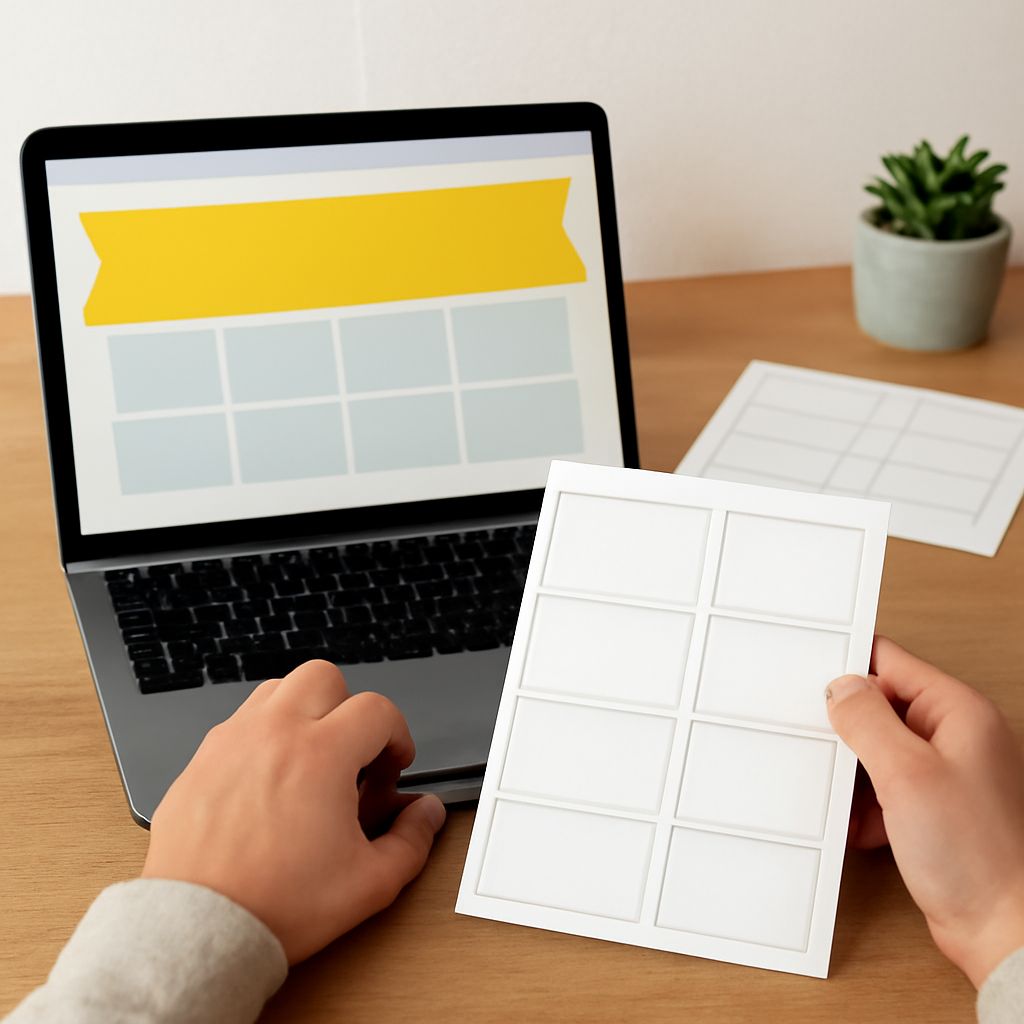
Creating labels has never been easier, thanks to the rise of online label makers. Whether you need them for business, personal projects, or organization, these tools allow you to design a label swiftly and professionally. Here’s how you can make the most of these digital resources.
Choosing the Right Online Label Maker
Selecting the right online label maker is crucial for achieving the best results. Consider tools like Canva, Avery Design & Print, and Maestro Label Designer. Each offers unique features, such as user-friendly interfaces and customizable templates. Determine what you need—be it advanced graphic design options or a simple, intuitive platform—and choose accordingly.
Steps to Design a Label Online
- Create an Account: Start by signing up on the chosen platform. Most sites offer a free version with basic features.
- Select a Template: Choose from a variety of pre-made templates. This saves time and provides a professional baseline for your design.
- Customize Your Design: Adjust colors, fonts, and images. Ensure the information is clear and aligns with your brand if applicable.
- Save and Download: Once satisfied, save your design. Download it in the preferred format, usually PDF or PNG, for printing or digital use.
Design Tips for Professional Labels
Designing effective labels involves more than just aesthetics. Here are some tips to consider:
- Keep It Simple: Overloading with details can make labels hard to read. Focus on the essentials.
- Use High-Quality Images: Ensure images are clear and relevant. They should enhance, not detract from the message.
- Font and Color Consistency: Stick with fonts and colors that reflect your branding. Consistency builds recognition.
- Include Essential Information: Make sure all necessary details—such as ingredients, contact info, or instructions—are readable and accessible.
Exploring Popular Label Maker Tools
Several online label makers are popular for their ease of use and functionality:
- Canva: Well-suited for users who enjoy creativity with a plethora of templates and design elements.
- Avery Design & Print: Perfect for those who need to print their labels directly, especially if using Avery label sheets.
- Maestro Label Designer: Ideal for those looking for a straightforward, no-nonsense design process.
By following these guidelines and utilizing the right tools, you can easily create beautiful and professional labels online.