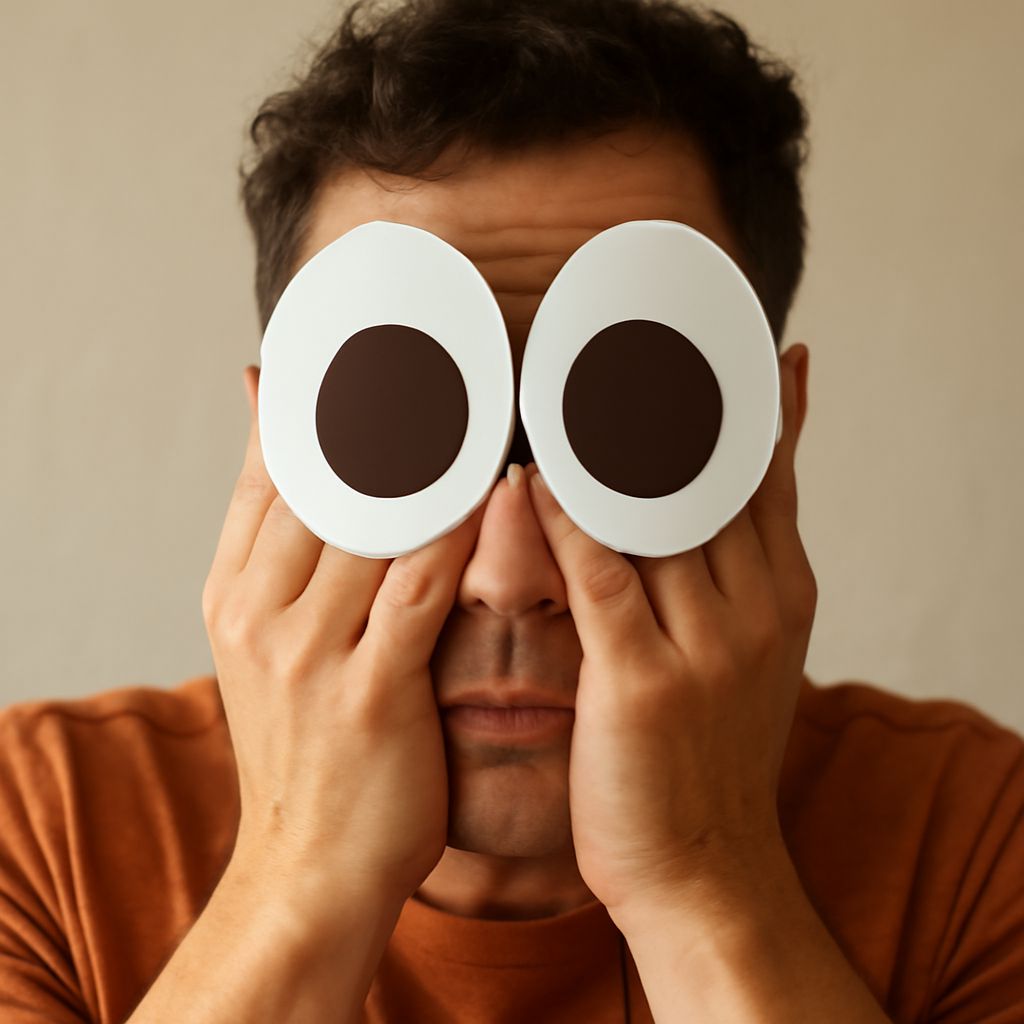
Copy 🫣 and paste it into your message when you want to show that you’re peeking through your fingers. This peeking face emoji captures the moment when you’re nervous or embarrassed but still want to see what happens.
If hiding your face with an emoji is more your style, try 🙈 for covered eyes or 🫣 for a peek. The difference is small on screen and surprisingly handy in conversation.
Hiding face emoji: What 🫣 means
The official name for 🫣 is “face with peeking eye.” It shows a face with its hands over its eyes and one eye peering through. Use the peeking emoji for an awkward reveal, a suspenseful scene, or a mistake you’re almost afraid to look at.
For example, “I just sent the email to the whole team 🫣” suggests embarrassment mixed with curiosity about the response. “Is the game over yet? 🫣” suggests suspense. A peeking-eye emoji adds a playful tone, so it fits casual conversations better than a serious apology. A peeking-eye reaction can also add anticipation to a question.
The picture can look a little different across devices and apps. Its expression and hand placement may vary, but the visible eye is the clue that makes the reaction a peek. This emoji of a peeking face is easy to recognize once you know what to look for.
Pick a face for the moment
Copy any of these into a text, comment, or document:
- 🫣 Face with peeking eye: You’re watching through your fingers. “Show me the haircut 🫣” works when you’re curious and a little nervous.
- 🙈 See-no-evil monkey: A monkey covers its eyes completely. Try “I can’t watch the penalty kick 🙈” when you want a fully covered-eyes reaction. An eyes-covered emoji can also suggest a playful surprise.
- 😳 Flushed face: Wide eyes and flushed cheeks can convey surprise or embarrassment, without hands covering the face.
- 🤦 Facepalm: A hand covers the face in frustration or disbelief. “I forgot to save the file 🤦” points to the mistake itself.
When you want a hiding face emoji with no visible eye, 🙈 is the clearest option in this group. It is a monkey rather than a human face, so choose 🤦 if the facepalm better matches your reaction. An emoji showing a hidden face can also express shyness in a lighthearted exchange. A face-hiding emoji can soften an awkward admission; add a few words to make your meaning clear.
Find and insert it
If copying from this page is easiest, select 🫣, copy it, and paste it wherever you type. On a phone, touch and hold the symbol to select it, then choose Copy. On a computer, select it with your pointer and use Ctrl+C on Windows or Command+C on a Mac; paste with Ctrl+V or Command+V.
You can also open your device’s emoji picker. On Windows, press Windows key + period. On a Mac, press Control + Command + Space. On an iPhone or Android phone, tap the emoji key on your keyboard; its location depends on the keyboard you use. Search for peeking, face with peeking eye, or peek. Try see no evil or monkey to find 🙈, an emoji covering the eyes. Search facepalm for 🤦, an emoji hiding its face behind one hand.
Picker search terms vary by device and keyboard. If a search for an emoji with a peeking eye gives you no result, paste the character from above. If you see an empty box instead of the symbol, update your operating system or app; an older device may lack support for that character.
A quick choice before you send
A cover eyes emoji can change the tone of a sentence. Compare “I saw the result 🫣,” which suggests you looked despite your nerves, with “I can’t look 🙈,” which suggests you’re keeping your eyes shut.
For a quick reminder: copy 🫣 for a peek, 🙈 for covered eyes, or 🤦 for a facepalm. Search your picker for “peeking” or “see no evil,” or paste your choice directly into the message.