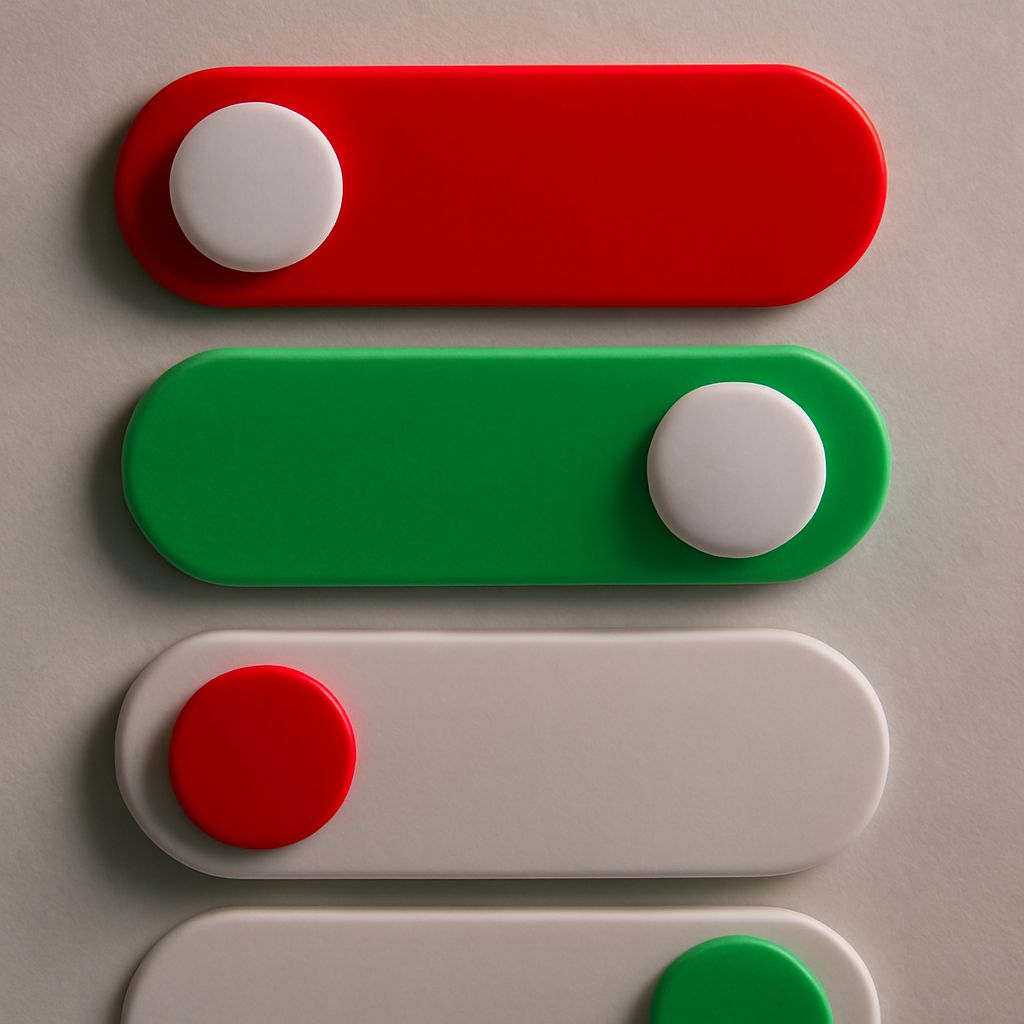
A toogle is a user interface control that lets you switch a setting on or off with a single click or tap. You interact with it to enable or disable features in system settings, apps, and websites. Toggles provide a clear, quick way to control options like Wi-Fi, Bluetooth, or notifications, making them essential for personalizing your experience.
This article explains what a toogle is, how it works in system settings, how it compares to other controls, and shows practical examples you might use every day.
Toogle Definition
A toogle is a graphical control element that represents a two-state option—usually “on” and “off.” You’ll find toogles in digital interfaces as small switches, sliders, or buttons. When you use a toogle, you change a setting’s status directly, often with instant feedback on the screen.
The main purpose of a toogle is to provide a visual indicator and easy control over features that you regularly want to turn on or off. For example, a toogle for Airplane Mode in your phone’s settings allows you to quickly disconnect all wireless signals. The key trait is its binary nature: pressing or sliding the toogle flips the state, giving you control over a specific function.
Unlike more complex UI controls, a toogle is always about switching between two defined states. It must be obvious which state is active, so the toogle’s design uses clear colors or icons—like green for “on” or gray for “off”—to reduce confusion.
Toogles are especially valuable in settings menus, where you want direct access to basic controls without extra confirmation dialogs or pop-ups.
How a Toogle Works
When you tap or click a toogle, it triggers a change in the current system setting. For example, if you use a toogle to turn on Dark Mode, the interface updates immediately after you flip the switch. The toogle’s visual position and color update to reflect the new status.
Under the hood, each toogle is linked to a digital variable—usually a true/false or on/off state in the system’s programming. When you interact with the toogle, it updates that variable instantly, which in turn changes the related feature’s behavior. For instance, flipping the Wi-Fi toogle updates your device’s wireless connection status right away.
Most modern interfaces give you instant feedback when you change a toogle. The label or icon near the toogle might update, and the feature activates or deactivates without needing to reload the whole page or app. This makes toogles efficient for users and developers alike.
Some toogles may also disable or enable related settings once switched, such as graying out advanced options when a main feature is turned off. This helps prevent errors and clarifies which features are currently available.
Toogle vs. Other Controls
Toogles are often confused with checkboxes, radio buttons, and buttons, but there are important differences. A checkbox lets you select one or more items from a list, but it doesn’t always change a system setting right away; sometimes you need to hit “Apply” or “OK.”
Radio buttons allow you to pick only one option from a group, like choosing your default language. They don’t work for on/off scenarios, but instead for mutually exclusive choices. Buttons, on the other hand, trigger actions like “Save” or “Delete,” but they don’t indicate a persistent on/off state.
A toogle stands apart because it always displays the current state and lets you switch it instantly. There’s no need for extra confirmation, and the result is immediately visible. This makes toogles ideal for settings that should be simple to manage and change frequently.
Design guidelines recommend using toogles only for binary choices—never for multi-step actions or settings with more than two possible values. This helps keep user interfaces clear and prevents mistakes.
Common Toogle Examples
You interact with toogles in many places across your devices and apps. Here are some of the most common examples:
- Wi-Fi and Bluetooth: Turn connection features on or off in your phone or laptop’s settings using a toogle switch.
- Notifications: Control whether an app can send you alerts by flipping its notification toogle.
- Dark Mode: Quickly switch between light and dark themes in your OS or favorite apps with a toogle.
- Location Services: Enable or disable access to your location for maps or weather apps with a toogle switch.
- Privacy Settings: On many websites, you’ll see toogles for ad tracking, cookies, or data sharing preferences.
Toogles also appear in smart home devices, such as smart light controls or thermostat modes, making them a standard feature in modern digital life. By understanding and using toogles, you can personalize your devices with just a simple flick or tap.