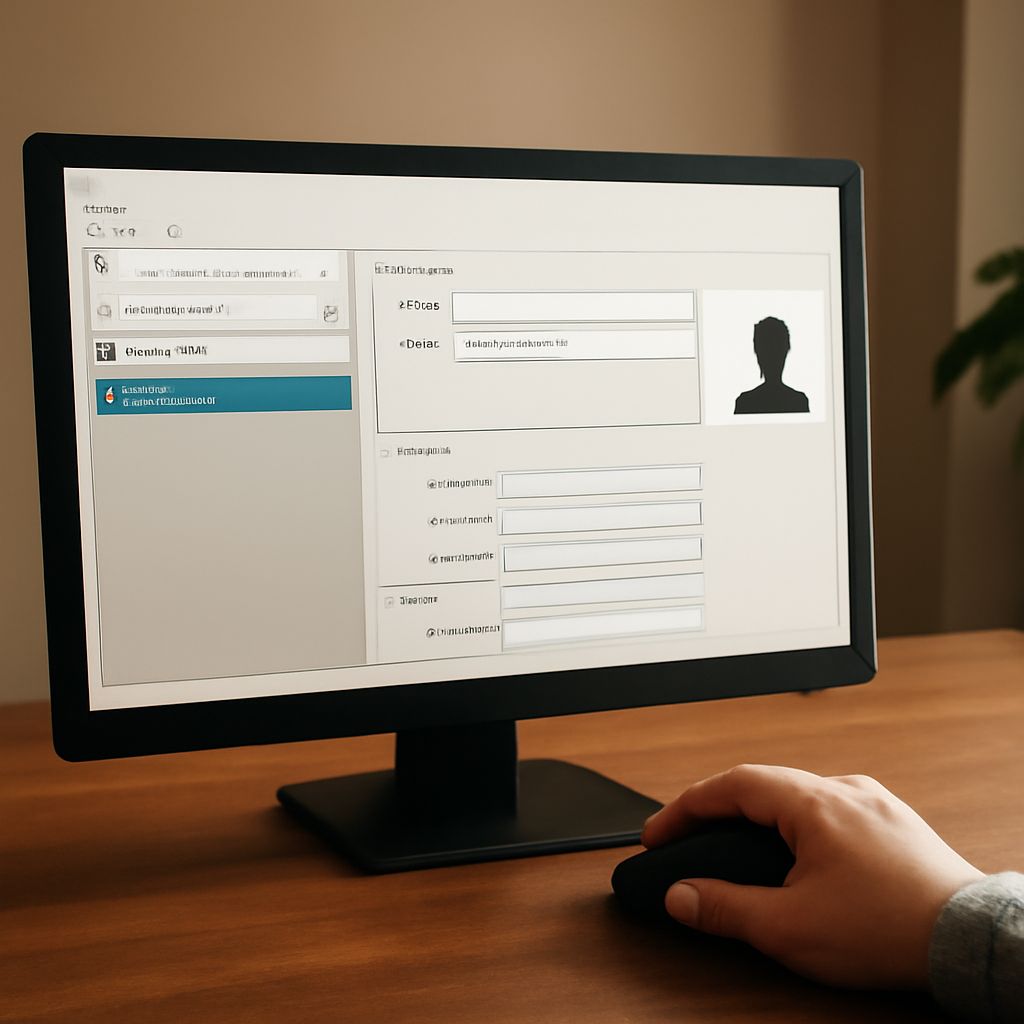
VCF files, also known as vCards, are digital contact files that store personal contact information. They are widely used for sharing contacts between devices and applications. If you’re wondering how to open a VCF file, this guide will walk you through the process, including using a VCF file viewer and troubleshooting any issues.
Understanding VCF Files
VCF files are a standard file format for electronic business cards. Each VCF file contains contact information such as name, address, phone number, and email. These files are versatile and can be opened in various applications, including email clients, contact managers, and VCF file viewers.
Methods to Open a VCF File
Opening a VCF file is straightforward if you have the right tools. Here are several methods you can use:
- Email Clients: Most email clients, such as Microsoft Outlook and Apple Mail, support VCF files. Simply double-click the file, and it should open within the email application.
- Contact Management Apps: Applications like Google Contacts allow you to import VCF files directly. Navigate to the import option, select the VCF file, and your contacts will be added.
- Mobile Devices: On smartphones, you can usually open VCF files through your default contacts app. Tap the file, and the contact information will be imported to your device.
Using a VCF File Viewer
For those who prefer a dedicated tool, a VCF file viewer is an excellent option. Here’s how you can use one:
- Download and Install: Find a reliable VCF file viewer application online. Examples include the Free VCF File Viewer or the VCF Viewer by CoolUtils. Install the software on your computer.
- Open the Application: Launch the VCF file viewer and use the open file option to select your VCF file. The viewer will display the contents, allowing you to read and manage the contact details.
- Export or Edit: Some VCF file viewers offer additional features like exporting contacts to different formats or editing contact information directly within the software.
Troubleshooting Common Issues
Occasionally, you may encounter issues when trying to open a VCF file. Here are some common problems and how to resolve them:
- Unsupported Format: Ensure that the application you’re using supports VCF files. Check the software documentation or website for compatibility information.
- File Corruption: If the VCF file appears corrupted, try obtaining a new copy. Corrupted files may not open correctly or may display incomplete information.
- Software Updates: Ensure your software is up to date. Outdated applications may have compatibility issues with newer VCF file formats.
By following these steps, you should be able to open VCF files easily and access your contacts without hassle. Whether you choose an email client, contact management app, or a dedicated VCF file viewer, the process is simple and effective.