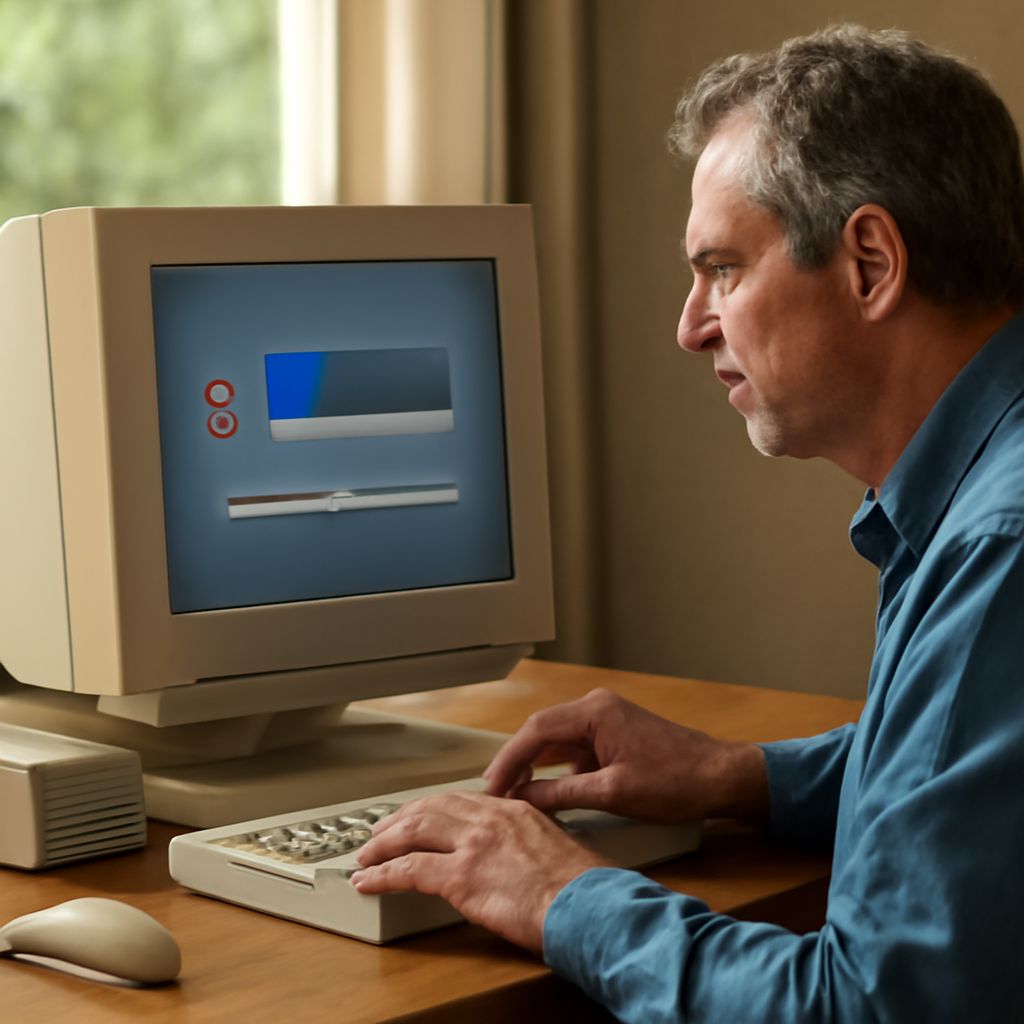
Defragmentation is a process that helps improve the performance of your hard drive by reorganizing the data stored on it. When you save and delete files, your hard drive can become fragmented, causing your computer to slow down. Defragging a hard drive is essential for maintaining its efficiency and speed.
What is Defragmentation
Defragmentation is the process of consolidating fragmented data on your hard drive. When files are saved, they can be broken into pieces and stored in different locations. Over time, this scatter can lead to slower read and write speeds. Defragmentation reorganizes these pieces so that files are stored in contiguous blocks, making data retrieval more efficient.
How Defragmentation Works
When you defrag your hard drive, the software scans for fragmented files and moves the pieces closer together. This reduces the distance the read/write head needs to travel, speeding up data access. During defragmentation, the software also attempts to consolidate free space, making future file storage more efficient.
Benefits of Defragging
- Improved Performance: Defragmentation boosts your computer’s speed by organizing data more efficiently.
- Extended Hard Drive Life: Reducing the movement of the read/write head can prolong the lifespan of your hard drive.
- Faster Boot Times: A defragmented hard drive can decrease the time it takes for your computer to start up.
How to Defrag Your Hard Drive
Defragging a hard drive is a straightforward process. Here’s how you can do it:
- Open the Defragmentation Tool: On Windows, search for “Defragment and Optimize Drives” in the Start menu.
- Select the Drive: Choose the hard drive you want to defrag. Generally, this will be the C: drive.
- Analyze the Drive: Click “Analyze” to see how fragmented the drive is. This step is optional but recommended.
- Defrag the Drive: Click “Optimize” to begin the defragmentation process. This may take a few minutes to several hours depending on the size of the drive and the level of fragmentation.
- Schedule Regular Defrags: Set up a schedule to defrag your drive periodically to maintain performance.
By following these steps, you can ensure that your hard drive runs efficiently, prolonging its lifespan and improving overall computer performance.