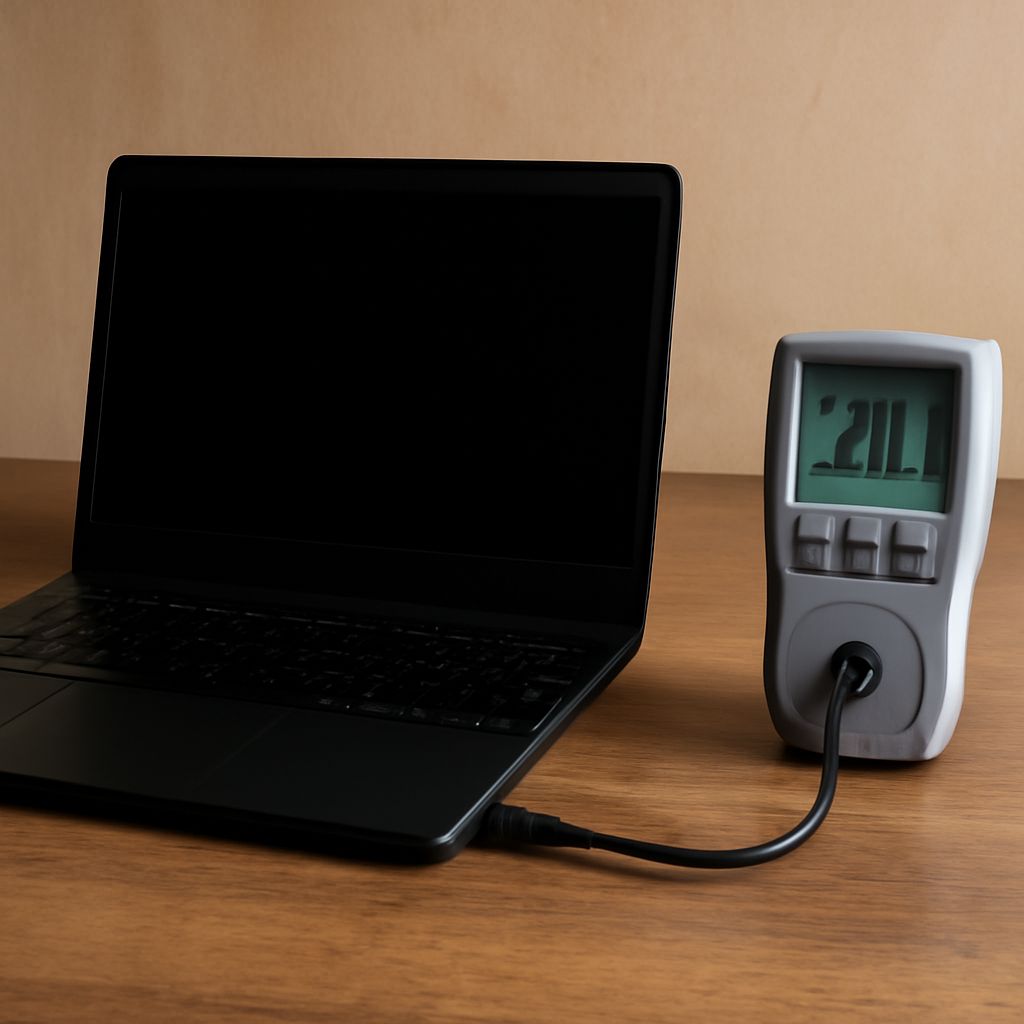
A laptop sitting idle with a full battery draws less power than the same machine running a demanding task while charging. To find out how much power your laptop uses in either situation, measure the setup you actually use.
The number on the charger helps identify its capacity, while a plug-in meter shows the power drawn from the outlet. From there, you can estimate the energy used over a workday and its cost.
Start with the adapter label
How many watts does a laptop use when its adapter says 65 watts? The label describes the adapter’s rated output, not a constant draw. Laptop watt usage may be lower while you edit a document and higher during charging or demanding work. The adapter loses energy as heat, so laptop wattage at the outlet differs from power delivered to it.
If the label lists output voltage and current rather than watts, multiply volts by amps. For example, 20 volts × 3.25 amps gives a 65-watt output rating. USB-C adapters may list several voltage and current pairs; use the pair for the relevant output mode rather than adding them together.
The watts a laptop draws change with screen brightness, workload, connected accessories, and battery state. A gaming laptop power draw under load can exceed that of a lightweight machine editing a document. The charger’s rating alone cannot tell you the average for either one.
Measure idle, work, and charging
How many watts does a laptop use at your desk? Plug a watt meter into the wall, then connect the laptop’s adapter to the meter. The meter shows how many watts your laptop draws at the outlet, including adapter losses. Connect only the laptop if you want its charging setup measured separately from a monitor or dock.
- Charge the battery fully, leave the laptop awake at the desktop, and let the reading settle. Record the idle watts and screen brightness.
- Open the applications you normally use. Read the meter during a typical task, then repeat during a demanding task such as a video export or game. Note whether the readings fluctuate.
- With a partly discharged battery, repeat your normal task while plugged in and charging. Record the laptop watt draw, battery level, and charging state. Compare it with the full-battery reading to see how charging changes outlet draw.
- Put the laptop to sleep and check again. For low readings, use a meter that can measure small standby loads accurately.
A momentary reading is a snapshot. To estimate how much electricity a laptop uses across a changing workday, use a meter that records kilowatt-hours and leave it connected through a representative session. Include the time spent charging energy used earlier on battery. If readings fluctuate, longer energy measurements give a better basis for an average, as the Department of Energy explains.
Turn watts into energy and cost
How many watts does a laptop use on average? If your meter provides total kilowatt-hours, divide that figure by the measured hours and multiply by 1,000 to get average watts. Otherwise, estimate each period separately using:
Kilowatt-hours = average watts × hours ÷ 1,000
For example, suppose a laptop draws an average of 40 watts from the outlet for five hours. That is 0.2 kWh. At an illustrative electricity rate of 20 cents per kWh, the session costs 4 cents. Use your bill rate for your estimate. If the laptop draws 20 watts for two hours and 60 watts for three, calculate each period and add them: 0.04 + 0.18 = 0.22 kWh.
How many watts does a laptop use while unplugged? A wall meter cannot see battery discharge, so measure the subsequent recharge at the outlet for a practical estimate of that energy’s wall cost. Allow the battery to return to its starting charge level, and avoid adding that recharge twice if it is already included in your measured session.
Quick reference
- Check the adapter’s rated output, then measure the actual laptop power draw at the outlet.
- Record idle, typical work, demanding work, and charging separately. Use a low-power-capable meter for sleep.
- Multiply average watts by hours and divide by 1,000 for kWh; multiply kWh by your electricity rate for cost.
- For a realistic total, include recharge time and any sleep or standby time you want to count.