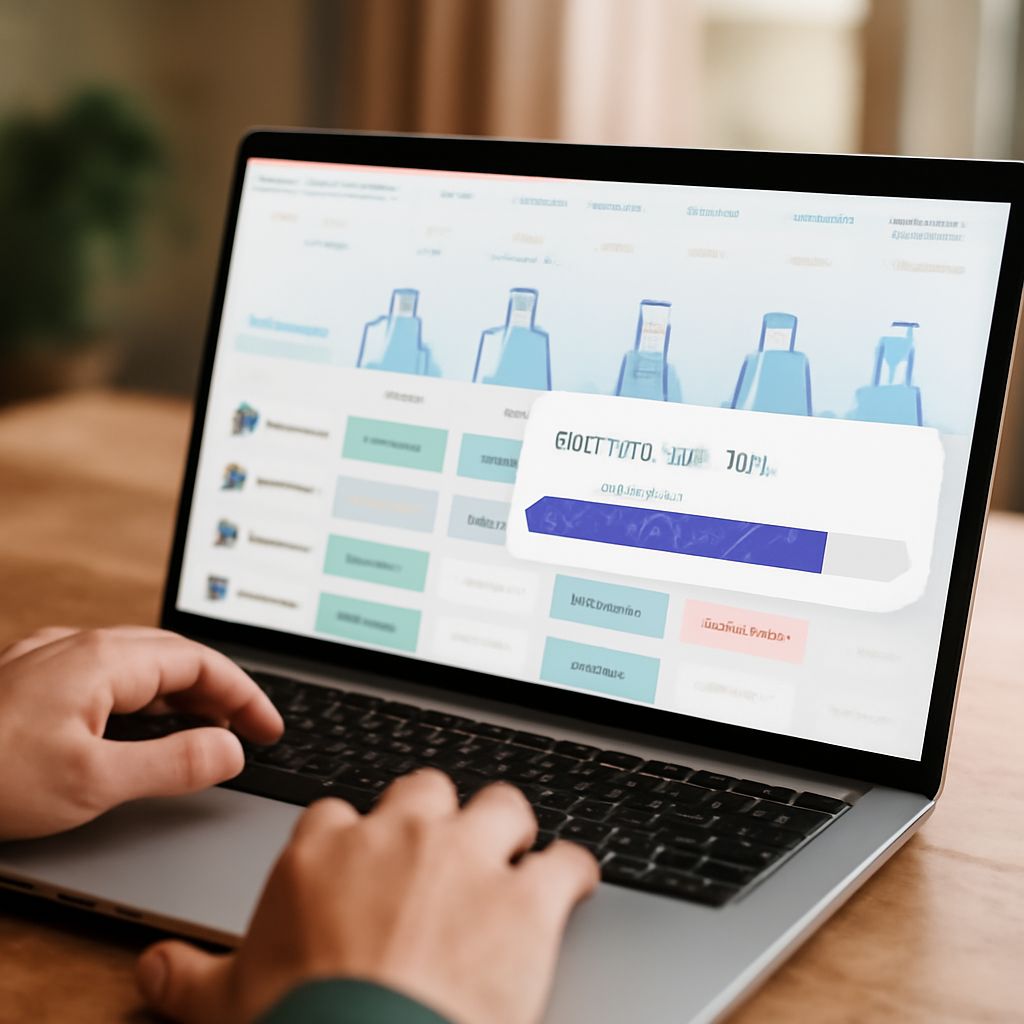
Managing team schedules can be time-consuming and stressful, especially as your team or business grows. A free work schedule maker can help you plan shifts, assign tasks, and keep everyone informed—without the headache of manual spreadsheets. Today’s tools make it simple to create, share, and adjust schedules in minutes, whether you’re managing a small retail store, a restaurant, or a remote team.
With automatic schedule maker features, you can let software handle the repetitive parts, freeing you up to focus on leading your team. Let’s look at what these tools offer, how they work, and how to pick the best option for your needs.
What Is a Free Work Schedule Maker?
A free work schedule maker is an online tool or app designed to help you organize and share work shifts with your team at no cost. These platforms typically provide templates, calendars, drag-and-drop interfaces, and automated notifications to simplify the entire scheduling process. Instead of drafting schedules by hand or using clunky spreadsheets, you can quickly build shift plans, adjust as needs change, and keep everyone on the same page.
Many free schedule makers are cloud-based, so you and your team members can access the latest schedule anytime from any device. This means fewer misunderstandings, missed shifts, or last-minute changes. Some tools even let staff swap shifts or request time off directly in the app, making your job as a manager much easier.
Free options are ideal for small businesses, startups, nonprofits, and teams with a limited budget. They deliver essential features without the commitment of a paid plan. However, most free tools have user or feature limits, so consider your team size and growth before choosing one long term.
Best Free Work Schedule Makers in 2024
Several standout free work schedule makers are available in 2024. Here are some of the best options to explore:
- When I Work: Offers intuitive drag-and-drop scheduling, shift swapping, and time-off requests. The free plan supports up to 75 employees and is ideal for restaurants, hospitality, and retail teams.
- Homebase: Provides a free tier for unlimited employees at one location, with features like scheduling templates, automatic schedule maker tools, and team messaging. Great for small businesses and shops.
- Sling: Free for unlimited users with basic scheduling and communication features, including shift reminders and time-off management. Premium upgrades add labor cost tracking and forecasting.
- ZoomShift: Free plan allows scheduling for up to five team members, plus shift swapping and requests. Especially useful for small teams and freelancers.
Each of these platforms covers the core needs of creating and sharing employee schedules. The main differences are in team size limits, customization, and integrations with payroll or HR systems. Test a couple to see which fits your workflow best.
How Automatic Schedule Makers Work
An automatic schedule maker uses algorithms to streamline the process of building work schedules. Instead of assigning shifts manually, you enter your team’s availability, preferred hours, and any scheduling rules—like required shift coverage, break times, or overtime limits. The tool then generates a schedule that fits your parameters and balances workloads fairly.
For example, if you need to fill morning, afternoon, and evening shifts with at least two people on each, you simply set these requirements, assign team availability, and let the software build the schedule. Some tools even alert you if there’s a conflict, like overlapping shifts or not enough coverage during busy times.
Automatic features save you hours every month by reducing manual entry and cutting down on errors. Most platforms allow for quick edits if someone calls in sick or needs to swap shifts, ensuring flexibility while maintaining structure. Your team can also receive automatic notifications whenever there’s an update, so everyone stays informed in real time.
Tips for Choosing the Right Tool
When selecting a free work schedule maker, start by considering your team size and business type. If you run a single-location café, a tool like Homebase or When I Work may fit perfectly. For larger teams, check whether the free plan supports enough users and locations.
Look for an automatic schedule maker that handles shift rules, employee preferences, and last-minute changes smoothly. Prioritize platforms with mobile apps so your staff can view schedules and request changes from anywhere. If you already use payroll or HR software, choose a schedule maker with integration options to avoid data entry headaches.
Finally, test usability. The best tool is one your team finds easy to use. Try out different interfaces, explore help resources, and ask your staff for feedback before committing. By selecting the right free solution, you’ll save time, cut down on confusion, and keep your team running smoothly—all without spending a dime.