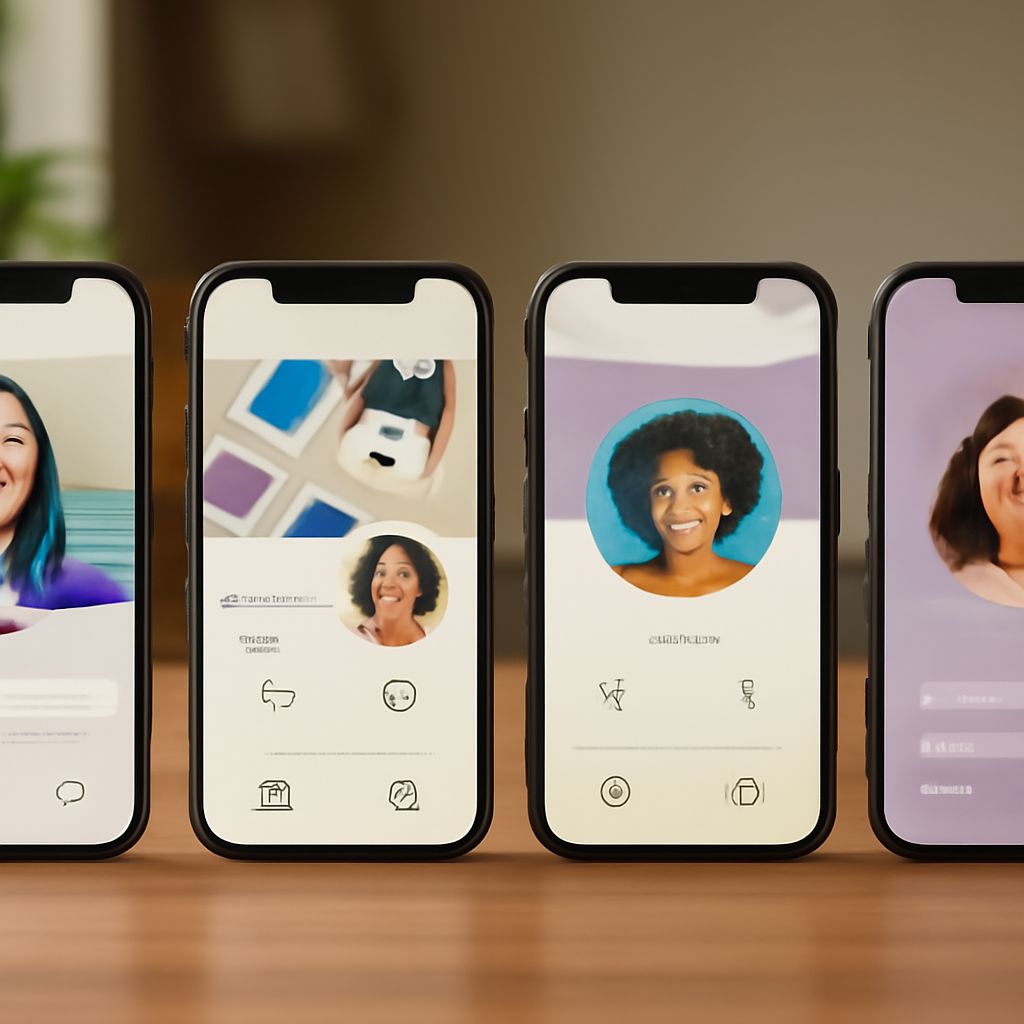
Digital business cards are a modern way to share your professional information with ease. They offer a convenient and eco-friendly alternative to traditional paper cards. If you’re wondering how to make a digital business card, this guide will walk you through the process using the best business card design software. Let’s dive in!
Understanding Digital Business Cards
Digital business cards are virtual representations of your professional identity. They can include your name, contact information, social media links, and even your photo or logo. The biggest advantage is their flexibility; you can update them anytime without the need for reprinting.
Choosing Business Card Design Software
Selecting the right business card design software is crucial. Look for tools that offer customizable templates, easy editing features, and seamless sharing options. Some popular choices include:
- Canva: Known for its user-friendly interface and a wide range of templates.
- Adobe Spark: Offers advanced design features for a more personalized touch.
- Visme: Provides interactive elements and analytics to track card views.
Each of these tools offers unique features, so choose one that best matches your needs and design skills.
Step-by-Step Guide to Creating a Digital Business Card
- Select Your Software: Choose a design software that suits your style and expertise.
- Pick a Template: Start with a template that aligns with your brand. Most software offers pre-designed templates that you can customize.
- Customize Your Card: Add your name, title, company, and contact information. Don’t forget to include your social media links and a professional photo or logo.
- Design Elements: Use colors, fonts, and graphics that reflect your brand’s personality. Ensure your card is visually appealing and easy to read.
- Review and Save: Double-check all details for accuracy. Save your card in a digital format, such as PDF or JPEG, for easy sharing.
Sharing and Syncing Your Digital Business Card
Once your digital business card is designed, it’s time to share it. You can send it via email, text, or social media. Consider adding a QR code to make it even easier for others to save your contact information directly to their devices.
Syncing your card across different platforms ensures that all your connections have access to your most up-to-date information. Use services like Google Contacts or Apple’s iCloud to keep your digital card current across all your devices.
Creating a digital business card is a simple yet powerful way to enhance your professional networking. With the right design software and a few creative touches, your digital card will make a memorable impression.