Skip to content
  • Home
  • Blog
  • Computing
    • Privacy & Sync
    • Devices & Displays
    • System Settings
    • Connections & Sharing
    • Apps & Browsers
    • Editorial Notes
  • Productivity
    • Files & PDF Tools
    • Notes & Timers
    • Word Processing
    • Spreadsheets
    • Presentations
    • Email
    • Printing & Scanning
  • Text Entry
    • Clipboard & Reuse
    • Symbols & Formatting
    • Typing Tools
    • Keyboards
    • Fonts & Typography
    • Emoji & Emoticons
  • About TypeSnippets
  • Contact the Editor

TypeSnippets

  • Contact the Editor
  • About TypeSnippets
  • Home
  • Blog
  • Computing
    • Privacy & Sync
    • Devices & Displays
    • System Settings
    • Connections & Sharing
    • Apps & Browsers
    • Editorial Notes
  • Productivity
    • Files & PDF Tools
    • Notes & Timers
    • Word Processing
    • Spreadsheets
    • Presentations
    • Email
    • Printing & Scanning
  • Text Entry
    • Clipboard & Reuse
    • Symbols & Formatting
    • Typing Tools
    • Keyboards
    • Fonts & Typography
    • Emoji & Emoticons
  • About TypeSnippets
  • Contact the Editor

TypeSnippets

barronclaiborne Sites > TypeSnippets > Blog

Blog

How to Add Font to PowerPoint and Keep Slides Consistent

How to Add Font to PowerPoint and Keep Slides Consistent

12.09.2026 Fonts & Typography
Install a font for PowerPoint on Windows or Mac, apply it to slides, and check embedding permissions so your presentation looks right when shared with…
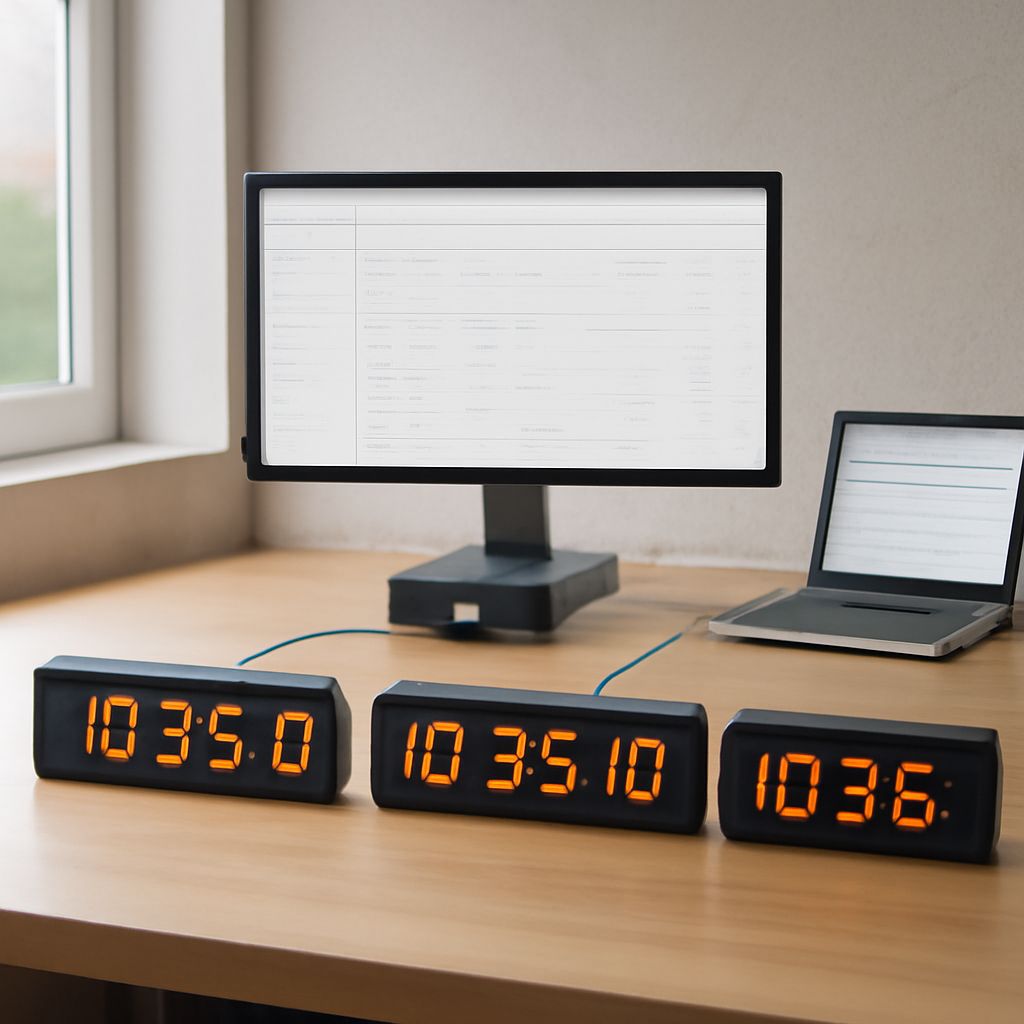
Time Sync: How to Synchronize a Computer Clock

Time Sync: How to Synchronize a Computer Clock

12.08.2026 Privacy & Sync
Time sync starts with your operating system's network time service. Learn to sync your computer's time, fix drift, and choose time sync software for stricter…
How to Insert a PDF into PowerPoint: 3 Reliable Methods

How to Insert a PDF into PowerPoint: 3 Reliable Methods

30.07.2026 Files & PDF Tools
How to insert a PDF into PowerPoint? Choose an embedded object, a visible page image, or a link to the source file, then prepare multi-page…
How to Paste PDF into Word or PowerPoint: Choose the Right Result

How to Paste PDF into Word or PowerPoint: Choose the Right Result

17.07.2026 Files & PDF Tools
How to paste PDF into Word or PowerPoint as an embedded file, page image, or editable content. Learn how to import PDF into PowerPoint, handle…
Inserting a PDF into Word: Embed, Add an Image, or Use OCR

Inserting a PDF into Word: Embed, Add an Image, or Use OCR

03.07.2026 Files & PDF Tools
Inserting a PDF into Word? Choose your result: embed a clickable PDF object, add a PDF page as an image, or scan a document into…
How to Use a Looping or Repeating Timer

How to Use a Looping or Repeating Timer

02.07.2026 Notes & Timers
Learn how a loop timer and repeating timer work, how to set interval length, repeat count, alert type, and stop controls, plus how to test…
How to Make a Hyperlink in Text or an Image

How to Make a Hyperlink in Text or an Image

29.06.2026 Clipboard & Reuse
How to make a hyperlink in text or an image: select an item, insert its destination URL, edit or remove the link, and test that…
How to Insert an Em Dash in Word: The Long Hyphen

How to Insert an Em Dash in Word: The Long Hyphen

23.06.2026 Symbols & Formatting
Learn how to insert an em dash in Word on Windows or Mac. Compare the hyphen, en dash, and em dash, then use shortcuts, Symbol,…
How to Insert an Em Dash in Word

How to Insert an Em Dash in Word

23.06.2026 Symbols & Formatting
Learn how to insert an em dash in Word on Windows or Mac with the em dash shortcut in Word, the Symbol menu, AutoFormat, or…
How to Type the Copyright Symbol

How to Type the Copyright Symbol

20.06.2026 Symbols & Formatting
Learn how to type the copyright symbol quickly on Windows, Mac, iPhone, iPad, Android, and in common editors with copy-paste and shortcut options.

Posts navigation

Older posts
Newer posts

    Get In Touch

    Editorial contact

    Recent Posts

    System settings showing Read It feature
    25.11.2026

    How to Use Read It in System Settings

    Terminal showing netstat command output
    25.11.2026

    Understanding the netstat Command: A Practical Guide

    energy management systems dashboard
    24.11.2026

    Understanding Energy Management Systems: Key Features and Benefits

    Recent Posts

    • How to Use Read It in System Settings
    • Understanding the netstat Command: A Practical Guide
    • Understanding Energy Management Systems: Key Features and Benefits
    • How to Type the Heart Alt Code on Your Keyboard
    • What Is a Toogle and How Does It Work in System Settings?

    Recent Comments

      Archives

      • November 2026
      • October 2026
      • September 2026
      • August 2026
      • July 2026
      • June 2026

      Categories

      • Apps & Browsers
      • Apps & Browsers
      • Apps & Browsers
      • Apps & Browsers
      • Apps & Browsers
      • Apps & Browsers
      • Clipboard & Reuse
      • Devices & Displays
      • Emoji & Emoticons
      • Emoji & Emoticons
      • Emoji & Emoticons
      • Files & PDF Tools
      • Files & PDF Tools
      • Files & PDF Tools
      • Files & PDF Tools
      • Files & PDF Tools
      • Files & PDF Tools
      • Files & PDF Tools
      • Files & PDF Tools
      • Files & PDF Tools
      • Files & PDF Tools
      • Files & PDF Tools
      • Files & PDF Tools
      • Files & PDF Tools
      • Files & PDF Tools
      • Files & PDF Tools
      • Files & PDF Tools
      • Files & PDF Tools
      • Files & PDF Tools
      • Files & PDF Tools
      • Files & PDF Tools
      • Files & PDF Tools
      • Files & PDF Tools
      • Files & PDF Tools
      • Files & PDF Tools
      • Files & PDF Tools
      • Fonts & Typography
      • Fonts & Typography
      • Fonts & Typography
      • Fonts & Typography
      • Keyboards
      • Notes & Timers
      • Notes & Timers
      • Notes & Timers
      • Notes & Timers
      • Notes & Timers
      • Notes & Timers
      • Notes & Timers
      • Notes & Timers
      • Notes & Timers
      • Notes & Timers
      • Notes & Timers
      • Notes & Timers
      • Notes & Timers
      • Notes & Timers
      • Notes & Timers
      • Notes & Timers
      • Notes & Timers
      • Notes & Timers
      • Notes & Timers
      • Notes & Timers
      • Notes & Timers
      • Notes & Timers
      • Notes & Timers
      • Notes & Timers
      • Notes & Timers
      • Notes & Timers
      • Notes & Timers
      • Notes & Timers
      • Presentations
      • Printing & Scanning
      • Printing & Scanning
      • Printing & Scanning
      • Printing & Scanning
      • Printing & Scanning
      • Printing & Scanning
      • Privacy & Sync
      • Privacy & Sync
      • Privacy & Sync
      • Privacy & Sync
      • Privacy & Sync
      • Privacy & Sync
      • Privacy & Sync
      • Privacy & Sync
      • Privacy & Sync
      • Privacy & Sync
      • Privacy & Sync
      • Spreadsheets
      • Symbols & Formatting
      • System Settings
      • Typing Tools

      Meta

      • Log in
      • Entries feed
      • Comments feed
      • WordPress.org

      Latest Posts

      System settings showing Read It feature
      25.11.2026

      How to Use Read It in System Settings

      Terminal showing netstat command output
      25.11.2026

      Understanding the netstat Command: A Practical Guide

      energy management systems dashboard
      24.11.2026

      Understanding Energy Management Systems: Key Features and Benefits

      Copyright © 2026 TypeSnippets
      • Site Terms
      • Privacy Policy